What is a useless thing you are weirdly good at?
Everyone answers, then pick who goes next.
What is a useless thing you are weirdly good at?
Everyone answers, then pick who goes next.
Pick the kind of questions you want, press Next question, and read out what lands on the card. Nothing repeats until every question in your mix has come up. It is free, it works on a phone or a classroom projector, and there is nothing to install.
Press Change questions to open the packs. They are grouped by who is playing: School, Friends, Couples, Family, Party, Work and Just me. Pick as many as you like. The packs you pick light up in their own color and appear in the bar above the card, so you always know what you are drawing from.
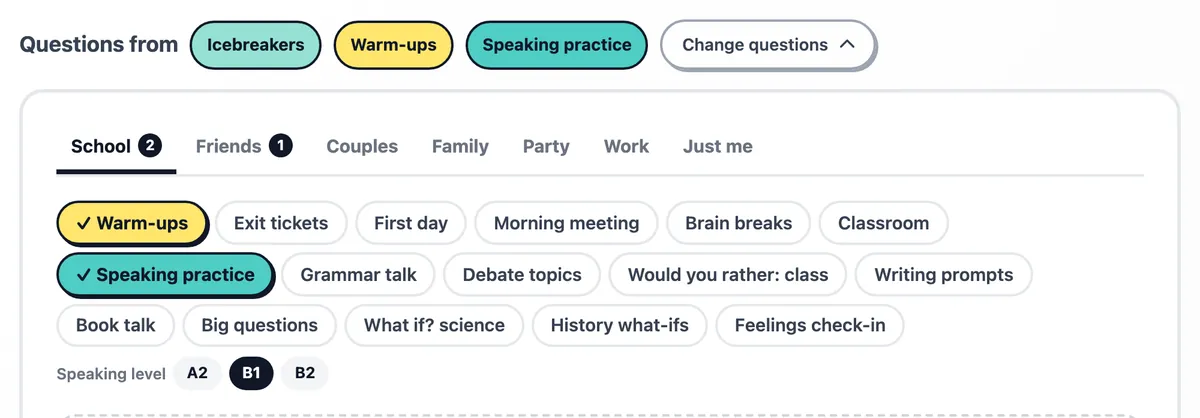
For teachers there are warm-ups to open a lesson, exit tickets to close it, first day questions, book talk, big questions for a class discussion and a feelings check-in. Speaking practice has three levels, A2, B1 and B2, for language classes.
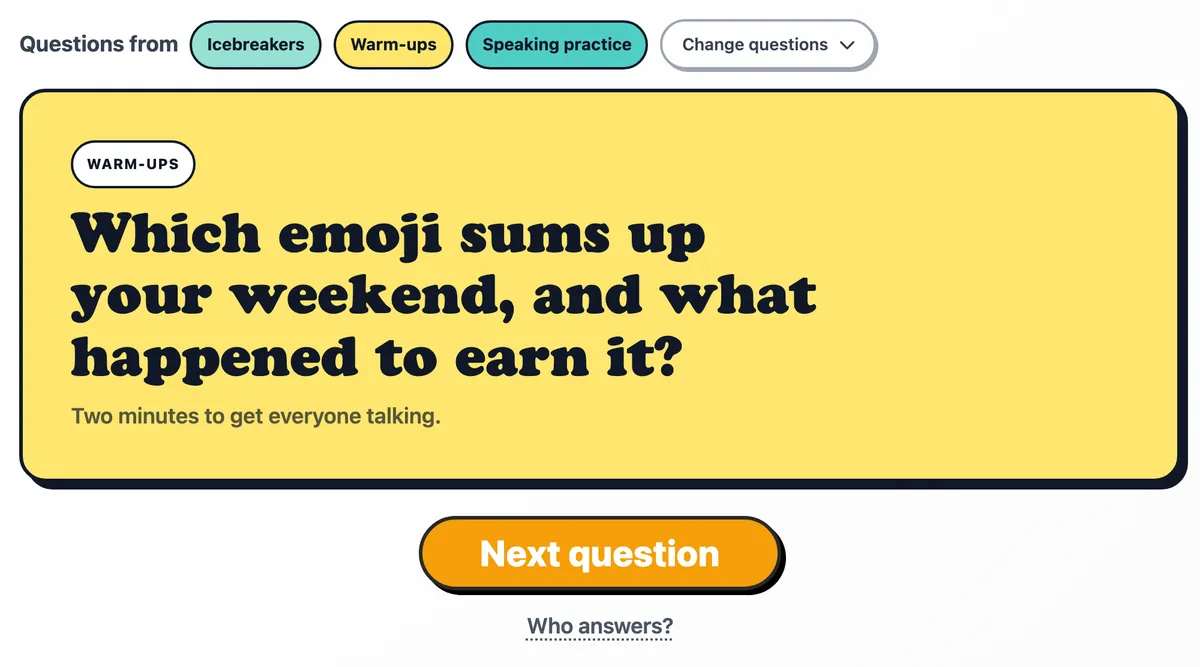
Press Next question, or the space bar on a keyboard. The question fills the card, with its pack on the label and a short tip on how to play it underneath. Everything you picked is shuffled into one deck, so a question only comes back once all the others have had their turn.
Skipped one by accident? Previous brings it back.
At the bottom of the packs, Your own takes any questions you type or paste, one per line. They are drawn like any other pack and mix with the rest: this week's vocabulary next to the warm-ups, or the questions for tonight's quiz.
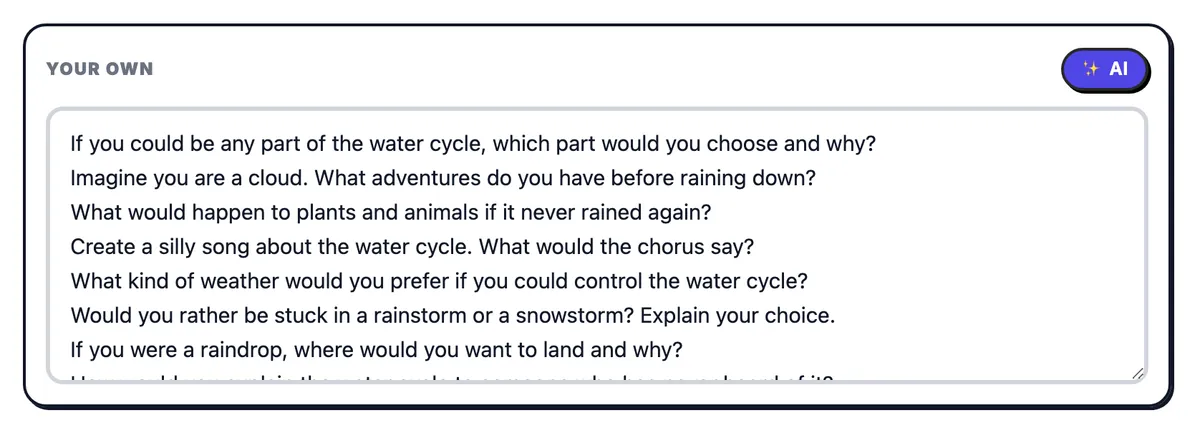
Not sure what to ask? Press the small AI button next to Your own and say what the questions should be about: a topic, a book, a lesson, an event. Say who they are for, like "for my class of 10 year olds" or "for B1 learners", and the questions will fit them. They arrive in your language, straight into Your own, where you can change or delete any of them before you play.
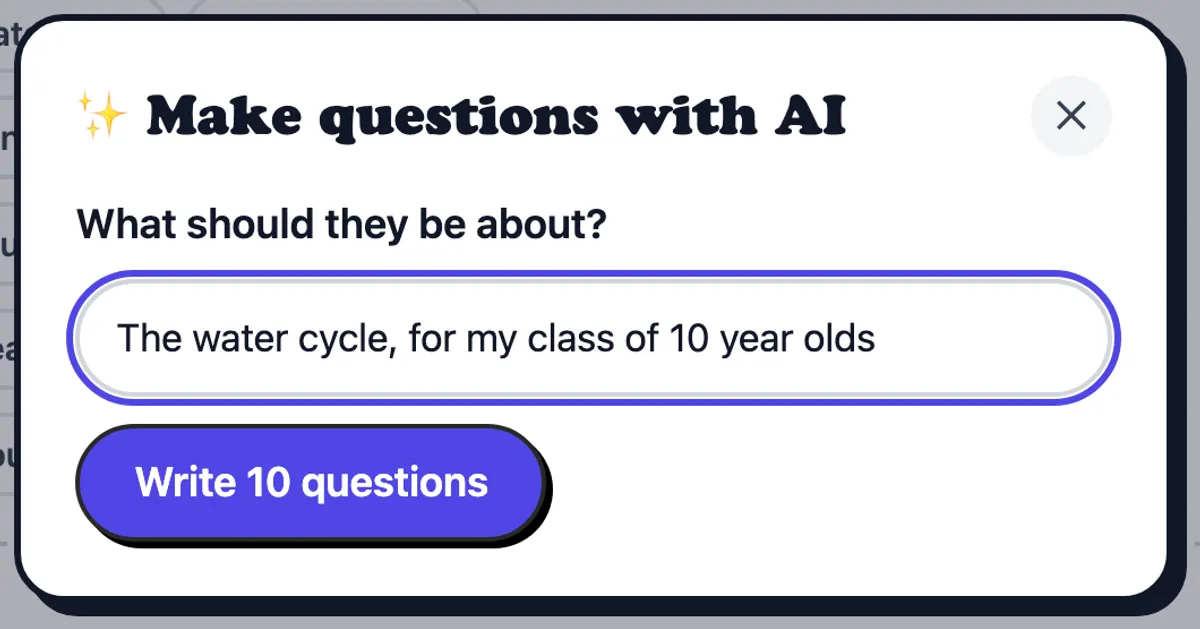
AI questions need a free RandomWheel account, and you can make up to 20 sets a day.
Press Who answers? and paste the names of the people playing. Every question then also picks a person and puts their name on the card. Everyone answers once before anyone answers twice, so nobody is left out and nobody gets all the hard ones.
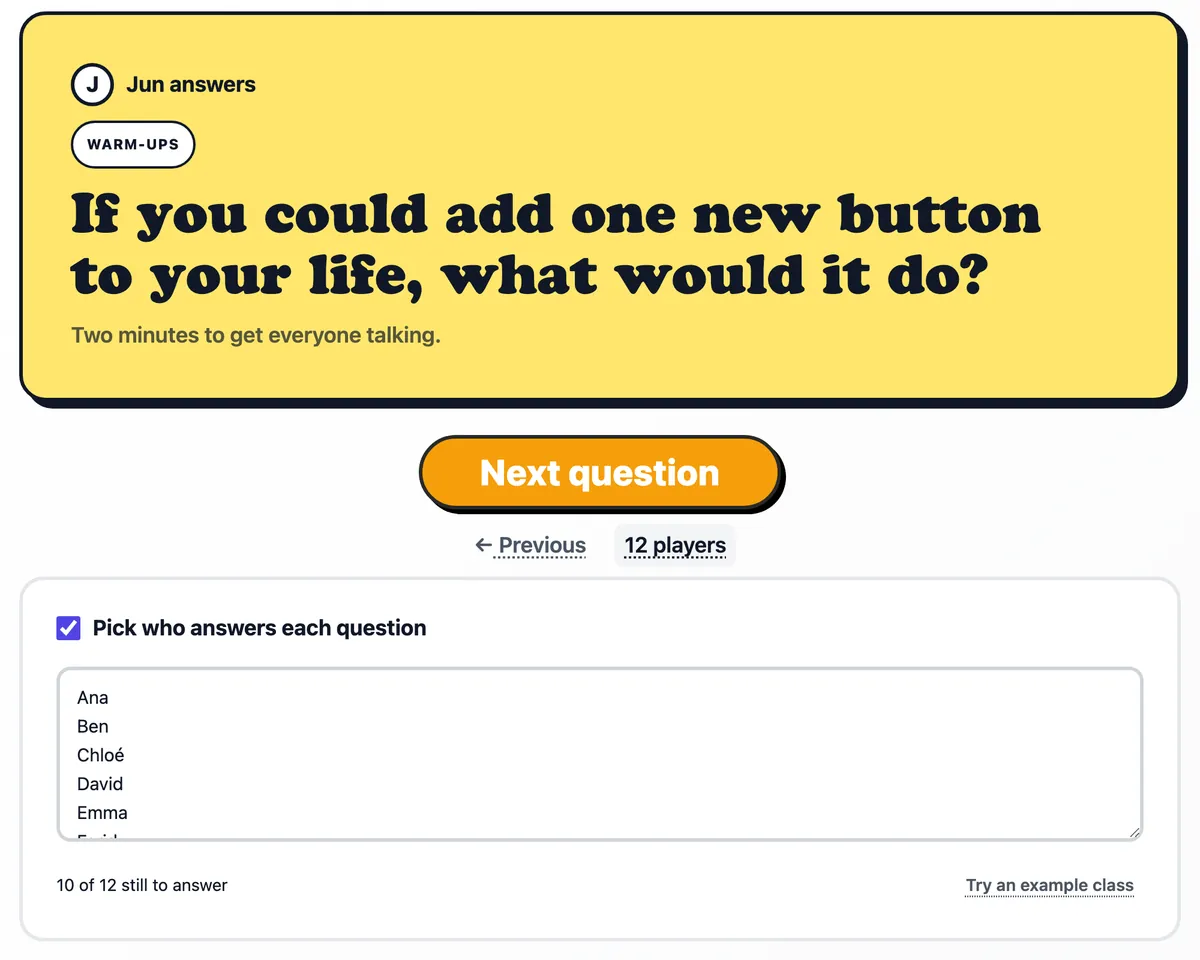
Try an example class to see how it works before you type your own list.
Start a workshop, a club or the first day of school with a light question for each person.
Choose a level, add the class list, and each student gets a question and a minute to answer.
A meeting check-in takes two minutes and gets everyone talking before the agenda.
Kids, Dinner table and Road trip packs turn screen time into talking time.
It is. But so many of you asked for a question generator that we built one. There is no wheel on this page, we know.
If you would rather spin, put your questions on a wheel: type them in, one per line, and the wheel picks the next one.
Make a wheel with your questions
The questions and names you type stay in your browser and are never saved. Only an AI request sends its topic to our server, to write the questions.
Put any list on a wheel and spin it.